
Contact Form 7 provides its official block for the Block Editor. Using the block, you can insert a contact form anywhere the Block Editor is available. You don’t need to copy & paste a shortcode anymore.
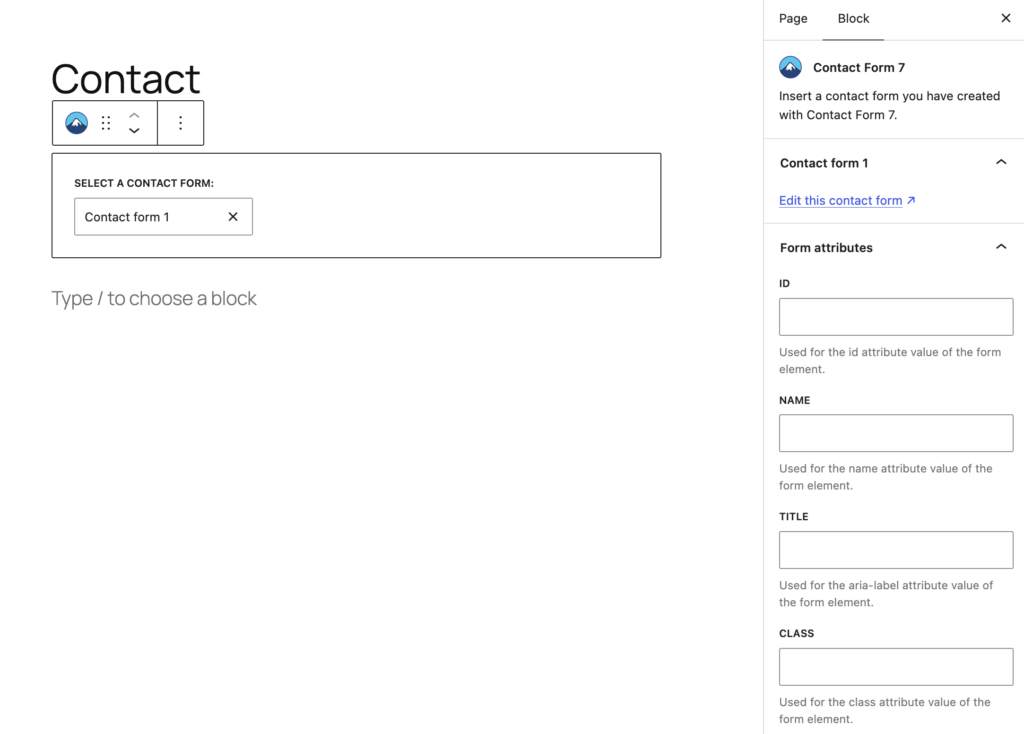
Find the mountain icon or search by “Contact Form 7”. After inserting a Contact Form 7 block, you can select a contact form from the drop-down list or search by the title.
Once you select a contact form, the block control panel will appear in the sidebar. In the block control panel, you have a useful link to the contact form editor page and input fields to specify the HTML attributes of the form element.